
Install the plugin
Install SurgeWP like any other plugin:
- After purchasing you can find the plugin download on your account screen.
- Upload the plugin ZIP to your website
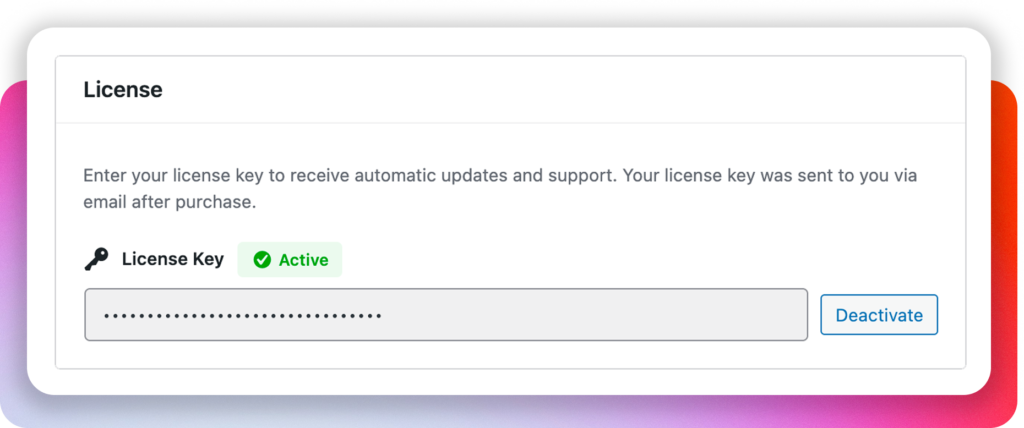
- Activate SurgeWP with your license key (provided in your email)
Add your AI provider keys
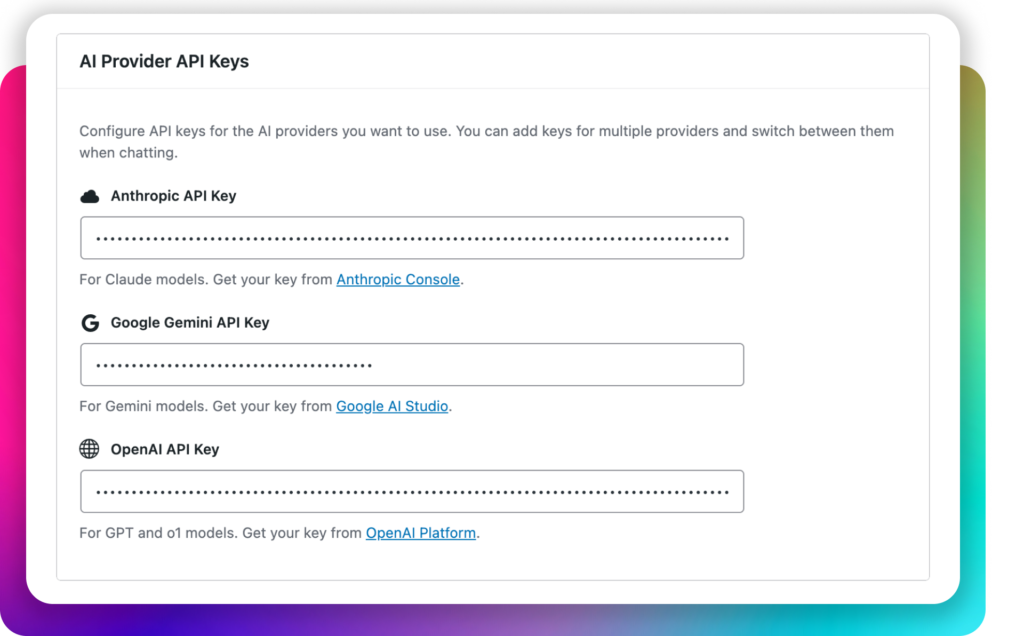
Navigate to SurgeWP → Settings and add your LLM provider API keys.
SurgeWP supports multiple providers, so you can add one key or multiple keys depending on your workflow.
Best practice: Add at least two providers so you can swap models when one performs better for a particular kind of request.
Model selection is per request
SurgeWP lets you choose the model when you run the request, rather than forcing a single global model. This matters because:
- Some models are better at planning and structure
- Others are better at refactoring code
- Others are faster for quick edits and small fixes