
SurgeWP supports three export paths, each suited to different deployment styles.
Export to theme
Use this when your block belongs to a specific site and you want it bundled with that theme. This is common for:
- Custom client builds
- Theme-first projects
- Projects where blocks are part of the site’s “core UI”
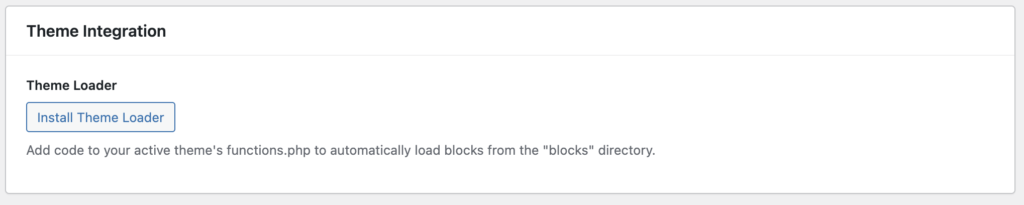
The first time you do this you will need to include the theme loader code in your themes functions.php file, this is so it can find the blocks that are created in the /blocks folder in your root theme folder.
Export as ZIP
Use ZIP export when you want:
- A portable archive of the block
- To share the block between developers
- To commit it into a repo manually
- To review the generated files outside WordPress
This option is agency-friendly because it makes handoff simple.
Export as plugin
Use plugin export when you want:
- Reusability across sites
- Modular deployment
- A clean separation from the theme
- A “block library” you can reuse internally or distribute
This is the best option for agencies building repeatable components.